Introduction to Linux
Welcome to the Linux Basics course! In this section, you'll learn what Linux is, where it is used, and why it is one of the most important operating systems in the world.
Learning objectives
By the end of this section, you will be able to:
- Explain what Linux is and how it differs from other operating systems.
- Understand common places where Linux is used (servers, cloud, Android, devices).
- Describe the basic parts of a Linux system (kernel, shell, terminal).
- Understand the idea of distributions (Ubuntu, Debian, Fedora, etc.).
- Know why Linux is popular for developers and companies.
What is Linux?
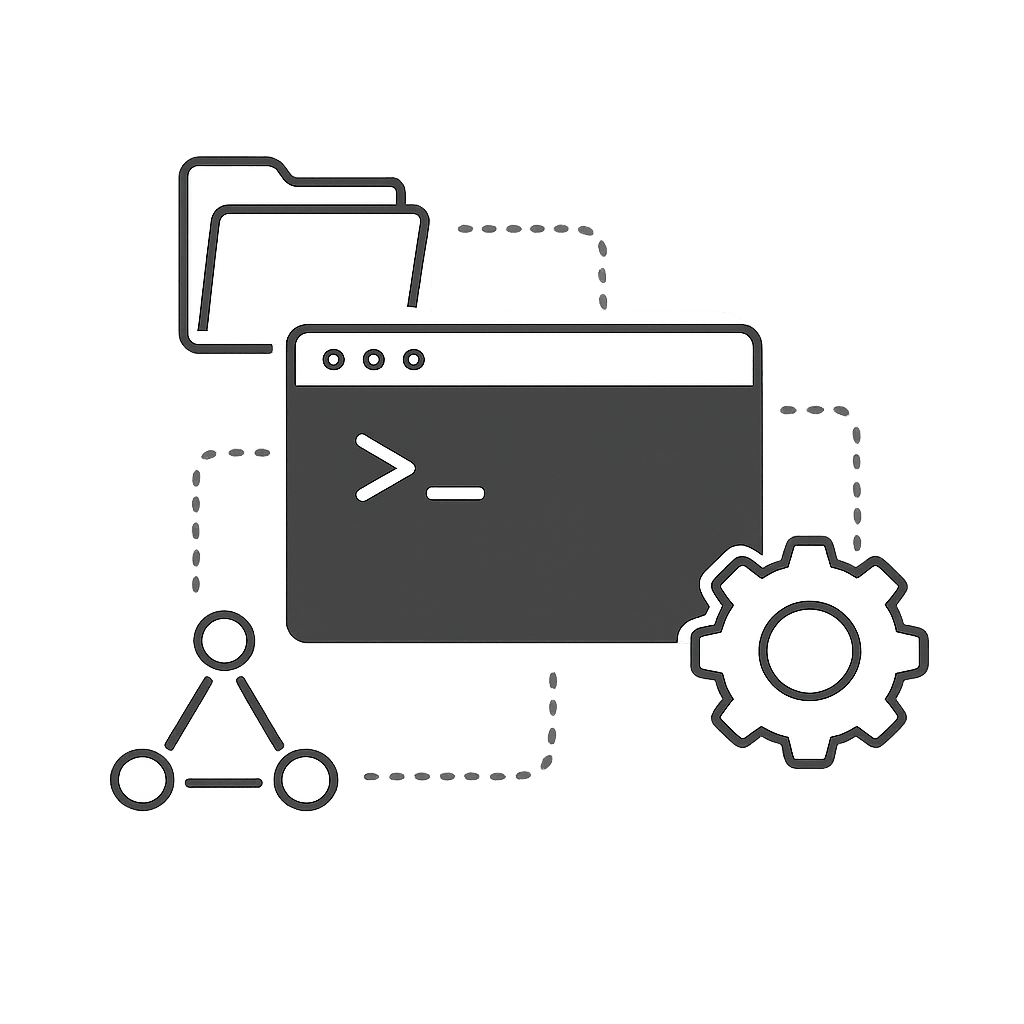
Linux is a kernel, the core part of an operating system that manages hardware and system resources.
What we often call Linux in practice is usually a distribution, the kernel plus GNU and other software. Which together form a full operating system.
- Runs on servers, desktops, laptops, phones, TVs, and routers.
- Is known for stability, security, and flexibility.
- Is open-source, which means anyone can see and improve the code.
- Powers most of the internet, cloud servers, and supercomputers.
Where do we use Linux?
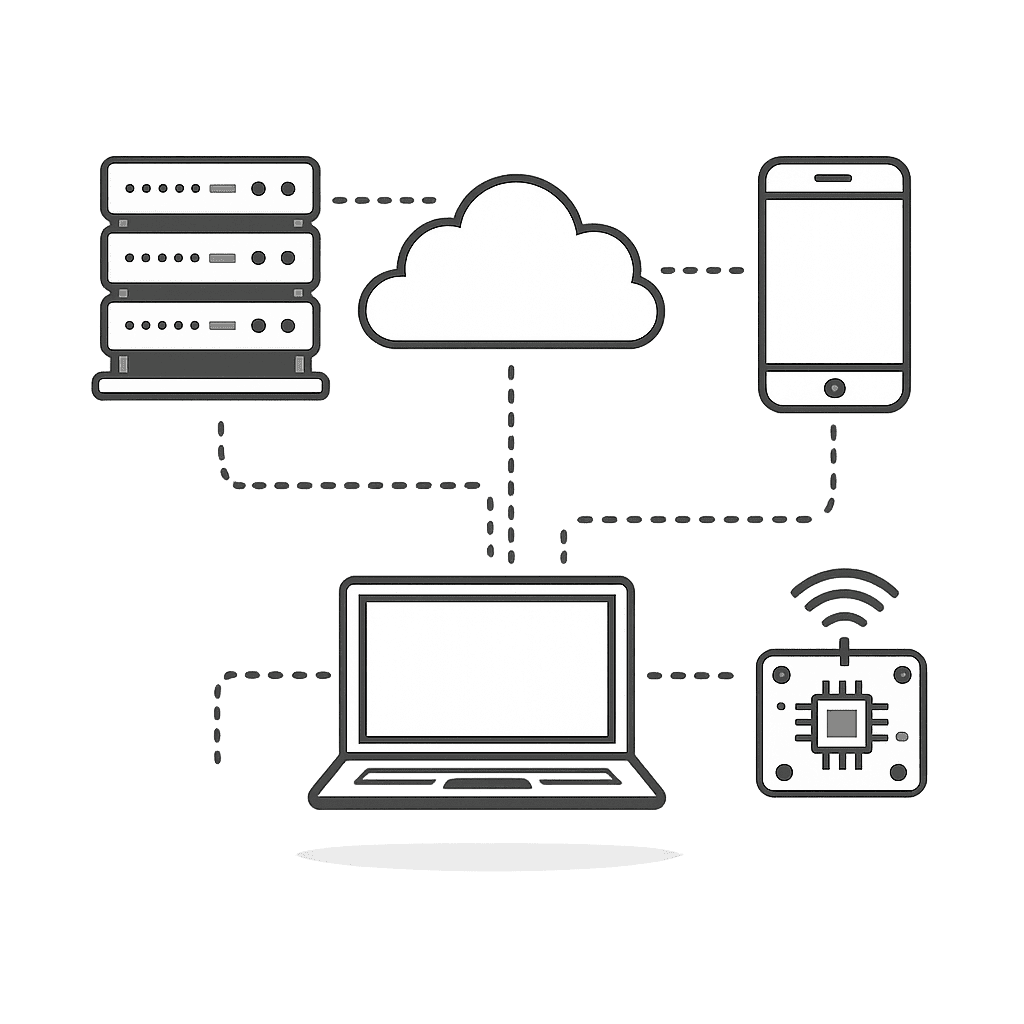
Linux is not only for hackers in movies. It quietly runs behind the scenes almost everywhere:
- Web servers (Google, Facebook, Amazon, and most websites you visit).
- Cloud platforms (AWS, Azure, Google Cloud all rely heavily on Linux).
- Android phones (Android is built on top of the Linux kernel).
- Smart devices (TVs, routers, CCTV cameras, and IoT devices).
Why learn Linux?
Knowing Linux gives you superpowers as a developer, IT professional, or power user:
- Better control over your system using the terminal.
- Easier to work with servers, cloud, and DevOps tools.
- Preferred environment for programming, security, and data science.
- Many developer tools are built for Linux first.
Key parts of a Linux system
Linux is made up of different components that work together:
- Kernel: The core of Linux that manages hardware resources (CPU, memory, devices) and acts as a bridge between software and hardware. Example: When you run a program, the kernel allocates memory and CPU time to it.
- Shell: The command-line interpreter that takes your commands and passes them to the kernel for execution. Example: Typing
ls -lain Bash lists all files with details. - Terminal: The window or interface where you type shell commands. Example: GNOME Terminal, Konsole, or iTerm2 are popular terminal emulators.
- File System: The structure that organizes files and folders, starting from the root
/directory. Example:/home/userstores personal files,/etcstores config files,/binstores essential programs.
Linux vs other operating systems
Here is a simple comparison between Linux, Windows, and macOS:
| Feature | Linux | Windows / macOS |
|---|---|---|
| License | Mostly free and open-source. | Commercial, closed-source (not freely editable). |
| Customization | Highly customizable (desktop, shell, tools). | Limited customization compared to Linux. |
| Usage | Popular on servers, cloud, and for developers. | Popular on desktops and laptops for everyday users. |
| Security | Known for strong security when configured properly. | Good security, but often targeted more by malware on desktops. |
Popular Linux distributions
Linux Distributions are the most popular versions of Linux. Here are some of the most popular Linux distributions:
| Distro | Best for |
|---|---|
| Ubuntu | Easiest and most common; great for beginners. |
| Debian | Very stable; often used as a base for other distros. |
| Fedora | Modern and updated; cutting-edge software. |
| Arch | Advanced and highly customizable; for experienced users. |
| Kali | Security testing and hacking practice (ethical). |
| Mint | Beginner-friendly; simple and familiar desktop. |
History of Linux
This timeline shows how Linux grew from an idea into the technology that runs most of the internet, phones, and the cloud. Understanding it helps you see why Linux is everywhere in the real world.
| When | Event | Why it matters |
|---|---|---|
| 1969 | Unix Created | Unix was developed at Bell Labs. Linux was later heavily inspired by Unix design and philosophy. |
| 1983 | GNU Project Started | Richard Stallman launched the GNU Project to build a free Unix-like operating system and its essential tools. |
| 1991 | Linux Kernel Created | Linus Torvalds, a student in Finland, released the first Linux kernel as a personal project. |
| 1993–1994 | Early Linux Distributions | Distributions like Slackware, Debian, and Red Hat made Linux easier to install and use. |
| 1996 | Tux Mascot Introduced | Tux the penguin became the official mascot of Linux and a symbol of the open-source community. |
| Late 1990s–2000s | Linux Grows on Servers | Linux became popular for servers because it was stable, secure, low-cost, and strong for networking and web hosting. |
| 2000s–2010s | Linux Expands Globally | Linux spread into supercomputers, embedded systems, networking devices, and enterprise infrastructure. |
| 2008 | Android Launched | Android, built on the Linux kernel, launched and brought Linux to millions of smartphones and mobile devices. |
| 2010s–2020s | Cloud & Containers | Linux became the backbone of cloud computing, virtual machines, Docker containers, Kubernetes, and DevOps workflows. |
| Present | Linux Everywhere | Linux powers servers, cloud platforms, Android phones, IoT devices, cars, smart TVs, and nearly all supercomputers. |
Key takeaways
Remember these points before moving to the next chapter:
- Linux is an operating system that runs on many kinds of devices.
- It is open-source and free to use, edit, and share.
- Most of the internet and cloud services are powered by Linux.
- Learning Linux helps you become comfortable with servers, terminals, and development tools.
Practice questions
List 5 places or devices where you think Linux might be running.
Hint: Think about servers, phones, routers, smart TVs, cloud platforms, etc.
Why do you personally want to learn Linux? Write 3 reasons.
Hint: Career, curiosity, server management, programming, hacking/CTF, etc.
Quiz
Test your understanding. Click an answer to see if it's correct.
1. What is Linux?
Linux is an operating system, similar to Windows or macOS, but open-source and widely used on servers and devices.
2. Which of the following is a common place where Linux is used?
Linux is popular on servers, in the cloud, on Android, and many embedded devices.
3. Which part of a Linux system talks directly to the hardware?
The kernel is the core layer that communicates with hardware devices.
4. What is a Linux distribution (distro) like Ubuntu or Fedora?
A distribution is a packaged version of Linux tailored with software, tools, and a desktop.
5. Which of the following is a good reason to learn Linux?
Linux is very valuable for working with servers, programming, DevOps, and cloud platforms.
6. Who created the first Linux kernel?
Linus Torvalds created the first Linux kernel as a student in Finland.
Ready to dive in? In the next chapter, we'll walk you through installing Linux step by step.