File Permissions
Linux uses a powerful permissions system to control who can read, write, or execute a file. Understanding this is essential for security and collaboration.
Introduction
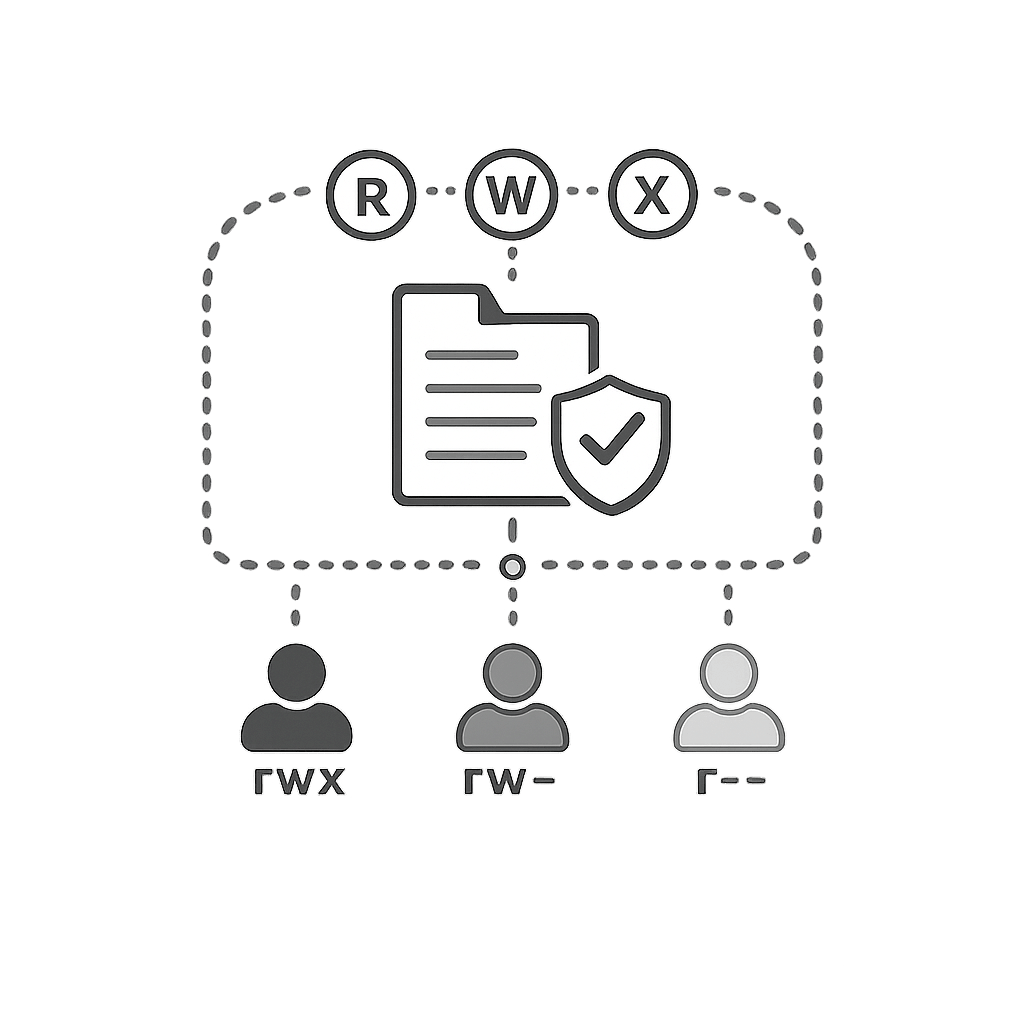
- Every file and folder has an owner and a group.
- Each has permissions for the owner, the group, and others.
- Permissions control reading, modifying, and executing files.
Reading permissions with ls -l
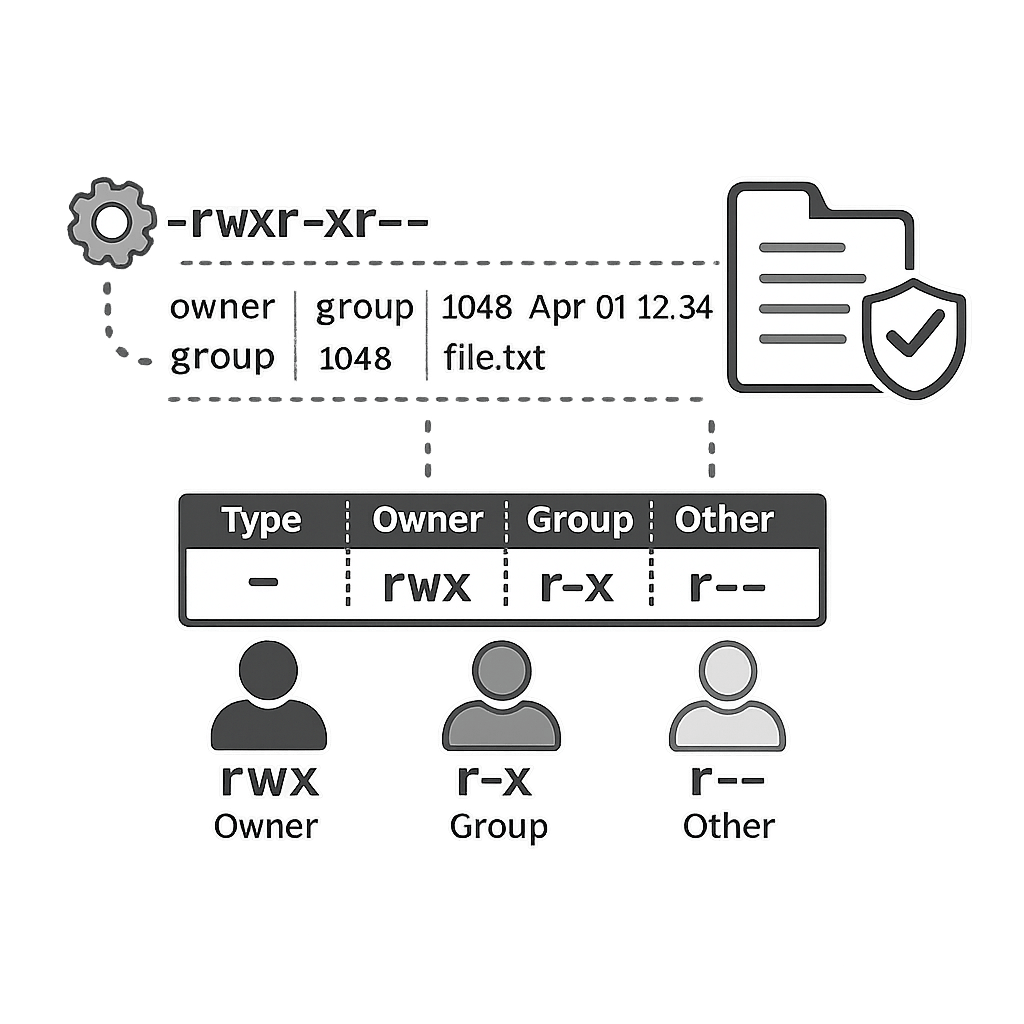
Use ls -l to see permissions. Example line:
-rwxr-xr-- 1 user group 4096 Jan 1 10:00 script.shThe first 10 characters describe the file type and permissions.
Permission breakdown
The 10-character block is split into file type + 3 permission sets:
| Part | Meaning |
|---|---|
| First character | - for file, d for directory, l for symlink, etc. |
| Next 3 (rwx) | Permissions for the owner (read, write, execute). |
| Next 3 (r-x) | Permissions for the group. |
| Last 3 (r--) | Permissions for others (everyone else). |
Permission letters
Each position in rwx can be present or replaced with -:
r(read) – view file contents or list a directory.w(write) – modify a file or create/delete inside a directory.x(execute) – run a file as a program or enter a directory.
Changing permissions with chmod
You can change permissions using symbolic or numeric modes:
- Symbolic:
chmod u+x script.sh(add execute for the owner). - Symbolic:
chmod g-w file.txt(remove write for group). - Numeric:
chmod 755 script.sh(rwx for owner, rx for group and others). - Numeric:
chmod 644 notes.txt(rw for owner, r for group and others).
Numeric permission values
Each permission is represented by a number and added together:
| Permission set | Value |
|---|---|
| r (read) | 4 |
| w (write) | 2 |
| x (execute) | 1 |
| rwx | 4 + 2 + 1 = 7 |
| rw- | 4 + 2 = 6 |
| r-x | 4 + 1 = 5 |
| r-- | 4 |
Changing owner and group
Sometimes you change who owns a file or which group it belongs to:
chown user file– change file owner (needs sudo).chown user:group file– change owner and group.chgrp group file– change only the group.
Practice questions
Run ls -l in your home directory and copy one example permission string (like -rw-r--r--). Explain what each part means.
Hint: Focus on owner, group, others and r/w/x flags.
Write the exact chmod command you would use to make a script run_backup.sh readable and executable by everyone, but only writable by the owner.
Hint: Think about numeric mode: owner = rwx, group = rx, others = rx.
Quiz
Test your understanding. Click an answer to see if it's correct.
1. In the permission string -rwxr-xr--, what does the x in the first group (rwx) mean?
The first rwx block refers to the owner of the file.
2. Which numeric permission value corresponds to rwxr-xr-x?
Owner: 7 (rwx), group: 5 (r-x), others: 5 (r-x).
3. Which command adds execute permission for the owner of script.sh without changing anything else?
u stands for user (owner); +x adds execute permission.
4. What does the w permission mean on a directory?
Write permission on a directory means you can modify its contents.